

The AI Creative Director
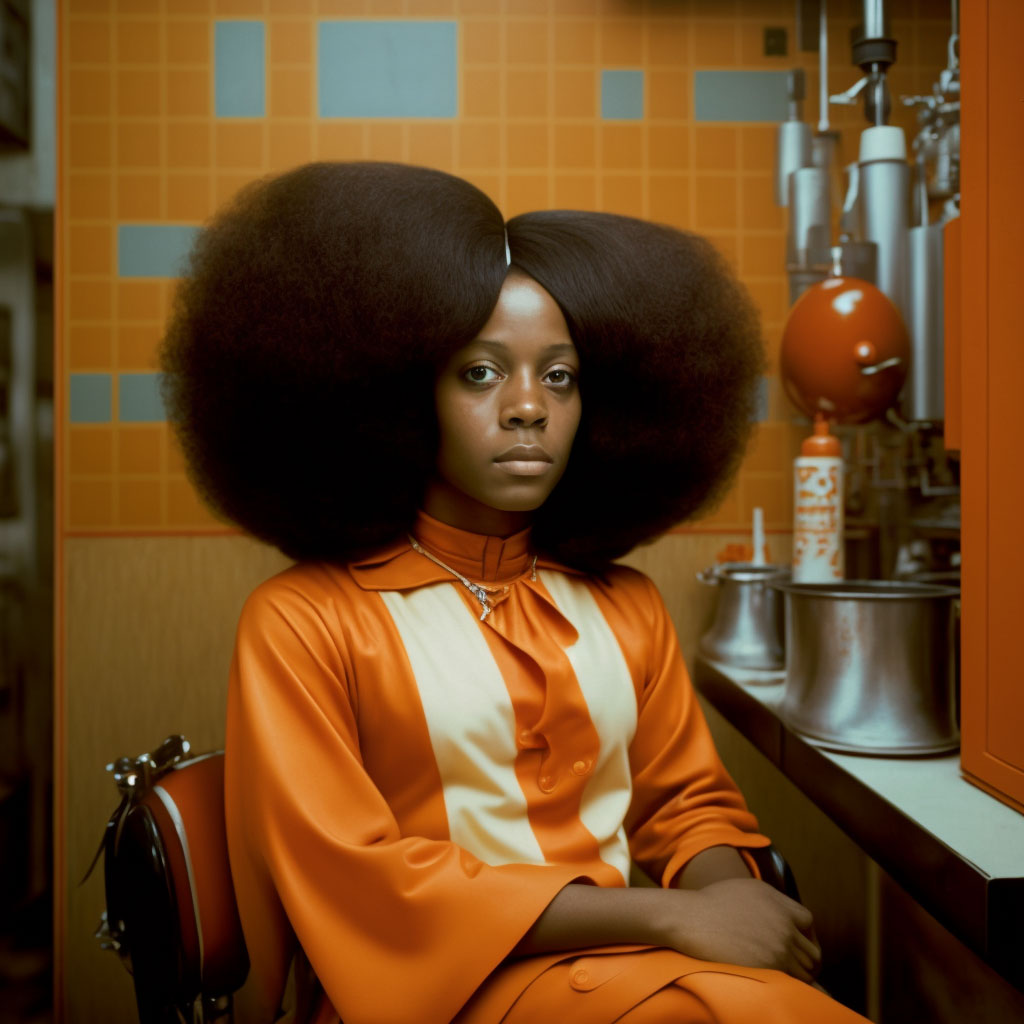
Introduction
Meet your new in-house dream team:
Before you create s single visual asset, you need clarity on these foundational elements:
The Shot Caller Agent
Opens in your ChatGPT or Google Gemini account and walks you step-by-step through staging your idea into a studio-grade editorial photo prompt.
The Multi-Shooter Agent
Same deal. Open it in ChatGPT or Google Gemini, describe your subject, and it instantly gives you five small adjusted prompts so it looks like a burst shoot.
The Humanizer Agent
Type gender, age, and ethnicity (add extra details if you want), and it builds a hyper-realistic studio portrait that looks like an actual person, not an “AI mannequin.”
Together, they give you a system that plans the scene, writes pro prompts, and spits out images that look like you just rented a studio and three stressed-out interns.
The Shot Caller Agent

ChatGPT
The Shot Caller Agent

Google Gemini
The Shot Caller Agent
This is not a prompt builder. You don’t describe an image and receive a finished prompt back.
This Shot Caller Agent works like a real Creative Director. A human director doesn’t ask for prompts. They take an intake, lock a message, and then build the stage around it.
You give direction. The agent decides composition, framing, structure, and visual logic. Along the way, it provides creative guidance based on the locked message you define at the start.
The result is not random imagery. It is editorial-level concepts designed using real photography principles, including Brockmann Grid structure and professional visual hierarchy.
This makes the output suitable for:
- Websites
- Ads
- Social content
- Landing pages
- Brand campaigns
The Intake Questions
Instead of writing prompts, you answer four foundational questions:
- What Is the Mood or Vibe?
This defines the emotional tone of the image. - What Is the Niche and Target Audience?
Who is this image for, and in what context? - What Is the Message?
What should the image communicate without text? - What Is the Image Ratio?
Ratio directly influences composition and layout decisions.
Once the intake is complete, the agent generates 8 distinct creative concepts based on your locked message, audience, and mood.
You then choose how the project is directed:
Option 1: Take Full Control (Recommended for Beginners)
The agent takes over creative staging entirely.
- Composition, framing, lighting, and structure are decided automatically
- Concepts are translated into a complete, production-ready setup
- This is the fastest and most reliable way to get strong results
- If you are just starting, this is the recommended option.
Option 2: Co-Direct (For more control)
You guide the process step by step.
- The agent presents multiple choices for individual details
- You decide on elements such as styling, lighting, camera perspective, and composition
- This option offers maximum control, but requires more decisions
Final Output
After direction is set, the agent delivers a structured JSON prompt. This may look technical, but it is simply a clear, organized description of the image.
You can then:
- Click Generate to create the image directly in ChatGPT or Gemini
- Copy the prompt into your preferred image tool
If your tool does not support JSON, you can ask the agent to convert it into a textual prompt.
Quick Tips for Better Images
Less is more.
Don’t crowd it with 7 props and a disco ball. One or two bold choices = chef’s kiss.
Skin details:
You want texture, not epidermal surgery. Let it breathe.
Color combos:
Be intentional. Don’t throw in every shade like it’s a Lisa Frank folder.
Pro texture tip:
Want that rich, crispy Vogue cover skin? Say you want a macro camera setup.
The Multi-Shooter Agent
ChatGPT
The Multi-Shooter Agent
Real photoshoots have multiple angles. One vibe, five shots. That’s why this exists.
How to Use
- Use the Creative Director first. Get your master studio prompt.
- Paste that exact master prompt here. No edits.
We lock the look: subject, wardrobe, set, lighting, color combo, props.
We only change composition: pose, angle, distance, crop. Default 16:9.
.
No new props. No outfit changes. No magical lighting swaps.
Click the angle. One angle is a selfie. Five angles is a shoot. Isn’t that something.
Bonus Tip
When you run the 5 new prompts, upload the original shot from your master prompt as a reference image.
It helps the AI keep the same face, styling, and vibe across all angles — like the model actually stayed in the room instead of teleporting between dimensions.
The Humanizer Agent
ChatGPT
The Humanizer Agent
The Humanizer Agent makes AI portraits look… human. Not glossy showroom mannequins, not Vogue covers — just believable people with quirks, flaws, and texture.
Purpose
Humans & animals only → Not for editorial, surreal, or artsy shots.
Studio photos → Clean backdrops, realistic detail.
Base prompt can be minimal → e.g. “A photo of a 23-year-old woman.”
Add more details if you want, the agent fills in the rest.
You give the subject → Age, gender, ethnicity, maybe clothing or mood.
It humanizes automatically → Injects quirks like:
- Slightly crooked teeth
- Under-eye bags
- Acne scars, pimples, freckles
- Hair flyaways, receding hairline, uneven brows
- Wrinkled shirt cuffs, small collar stain
- Oily skin shine under hard light
Randomized realism → No two faces or bodies end up cloned or “AI-plastic.”
Best Use
When you want photos that don’t scream “rendered in Midjourney.”
When you need stock-style portraits that pass as real people.
When the goal is relatability, not perfection.